
DFW Airport Closeout Requirements and How Closeout Pro Meets Them
Quick answer. DFW Airport closeout means delivering O&M manuals, warranty books, record documents, training records and asset forms in a structure DFW defines, then uploading them to DFW's Unifier system. First drafts are due weeks before Substantial Completion, so the work has to start during construction. Closeout Pro is built for exactly this job: it organizes your documents in DFW's order, builds the hyperlinked, OCR-ready package, and exports it for Unifier. Requirements vary by project, so your contract documents always govern.
What does DFW require at closeout, and how does Closeout Pro meet it?
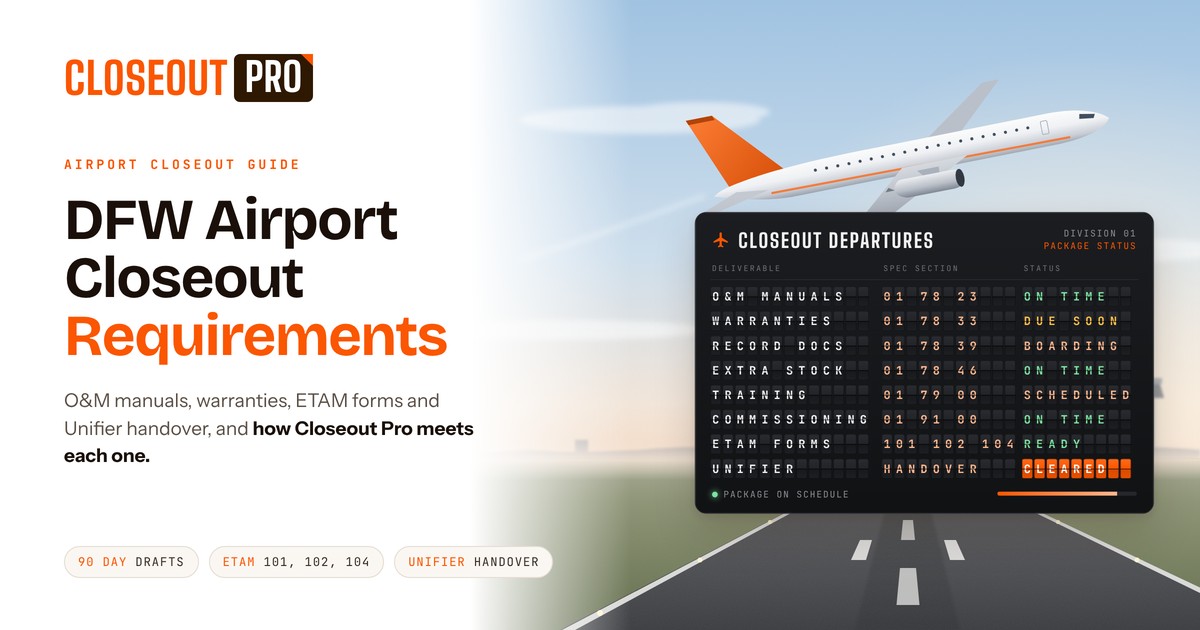
DFW's Standard Specification Book spreads closeout across several Division 01 sections. The table pairs each requirement with how Closeout Pro handles it. Section numbers and details can differ by edition and by project.
| Requirement | What DFW asks for | How Closeout Pro meets it |
|---|---|---|
| O&M manuals (01 78 23) | System-ordered books with a hyperlinked table of contents and OCR-ready PDFs, uploaded to Unifier | Documents are filed by spec section and system as they arrive, then compiled with a hyperlinked table of contents, bookmarks and OCR-ready PDFs |
| Warranties (01 78 33.36) | A tab per product with a front summary, signed originals, and drafts about 90 days before Substantial Completion | Warranty details are captured once and reused for front summaries, with the draft deadline tracked |
| Record documents (01 78 39) | CAD-built PDF record drawings with a "Project Record" stamp, a sheet index and cross-reference | Tracked against the closeout checklist by spec section and subcontractor, and filed with the package |
| Extra stock (01 78 46) | A materials list early in the project, and written owner acceptance of delivery | Tracked as a closeout item with its due date |
| Training (01 79 00) | A syllabus 10 to 20 days ahead, and a recorded video of each session | Training records and videos are logged and filed in the training folder |
| Commissioning (01 91 00) | A report with hyperlinked sections, photos, completed checklists and tests, and a warranty tracking log | Commissioning documents are filed and linked in the package, with warranty tracking from the same data |
| Asset forms (ETAM 101, 102, 104) | Excel spreadsheets for assets, preventive maintenance and warranties | Populated from the structured data and exported as Excel |
| Handover to Unifier | Upload to the correct location, and hardbound or media copies on some projects | Exports organized for the Unifier destination folders, with media copies from the same package |
When are DFW closeout documents due?
Deadlines are keyed to project milestones. Check your contract, but typical windows include:
- Extra stock list: within about 90 days of Notice to Proceed.
- Draft warranties: about 90 days before Substantial Completion.
- O&M format and content, and training plans: about 90 days before Substantial Completion.
- Training syllabus: 10 to 20 days before each session.
- Final warranties and commissioning items: at Substantial Completion.
Closeout Pro tracks each date from your project's Notice to Proceed and Substantial Completion dates and shows what is due, received and at risk. Warranty start dates are defined in the specification and can differ between sections, so confirm the start date for each product in your contract documents.
What are Unifier and the ETAM forms?
DFW manages submittals and closeout documents in Unifier. Its O&M section asks contractors to upload approved documents to the correct location, so folder structure, file naming and format need to be right before upload. Confirm the Unifier structure and upload process with the DFW project team early.
The ETAM forms are three Excel spreadsheets DFW uses to capture asset information at handover:
- ETAM 101: the new equipment and asset inventory.
- ETAM 102: the preventive maintenance task and schedule.
- ETAM 104: the equipment warranty information.
Why Closeout Pro fits DFW closeout
Closeout Pro is built for exactly the package these requirements describe.
- It follows DFW's structure from day one. Every document is tagged to the spec section that requires it, so the required order is a sort, not a rebuild.
- It produces what DFW asks for. Hyperlinked tables of contents, bookmarks keyed to spec sections and OCR-ready PDFs are generated for you.
- It captures data once. Warranty and equipment details feed the warranty front pages and the ETAM forms.
- It tracks the deadlines. Draft, training and final dates are visible by spec section and subcontractor.
- It hands over cleanly. Exports are organized for Unifier, and media copies come from the same package.
- It works with your tools. Procore, Autodesk Forma Build and CMiC, or no PMIS at all.
Closeout Pro has closed out more than 1,000 projects and tracked more than 5,000 warranty tickets and 20,000 closeout items. For planning purposes, our ROI model estimates roughly 110 to 120 hours saved on document tracking and compilation for a $50M project. That is a modeled estimate, not a guarantee.
How do you prepare for DFW closeout from day one?
- Read the closeout sections at kickoff. Turn them into a checklist by spec section, with every deadline.
- Ask for closeout data with each submittal. Request O&M data, warranties and parts information with the approved submittal.
- File as documents arrive. Tag each document to its spec section and system.
- Capture asset and warranty data once. Reuse it for ETAM forms and warranty summaries.
- Put the dates on the schedule. Track the 90-day drafts and training windows next to construction milestones.
- Confirm the Unifier process early. Agree the folder structure and upload steps before the first delivery.
Frequently asked questions
What documents does DFW require at closeout? Typically O&M manuals, warranty books, project record documents, training records and videos, extra stock, commissioning reports, and asset forms including ETAM 101, 102 and 104. The exact list depends on your contract.
Does DFW require hyperlinked O&M manuals? DFW's O&M data section calls for a hyperlinked table of contents and OCR-ready PDFs. Bookmarking by spec section is a good practice that makes the same package easier to review.
When are DFW warranty drafts due? The warranty section calls for drafts about 90 days before Substantial Completion, with finals at Substantial Completion. Confirm the dates and warranty start rules in your contract.
What are ETAM 101, 102 and 104? Three Excel forms for asset inventory, preventive maintenance tasks and schedules, and equipment warranty information.
Does Closeout Pro meet DFW's closeout requirements? Closeout Pro is built to produce the closeout package DFW's published requirements describe: section-ordered, hyperlinked and OCR-ready manuals, warranty summaries, ETAM spreadsheets, and exports organized for Unifier. Specifics vary by project, so confirm them against your contract.
Is Closeout Pro approved or endorsed by DFW? No. Closeout Pro is an independent company and is not affiliated with or endorsed by DFW Airport. It is built to meet DFW's published closeout requirements.
Conclusion
DFW's closeout requirements reward teams who start early: tagging documents to spec sections as they arrive, capturing warranty and asset data once, and tracking the 90-day drafts against Notice to Proceed and Substantial Completion. A platform that mirrors DFW's own structure — and hands off cleanly to Unifier — turns that work from a scramble at the end of the project into a sort that was already done.
Disclaimer: Closeout Pro is an independent company and is not affiliated with or endorsed by DFW Airport. DFW is named only to describe publicly available requirements. Requirements vary by project and by edition — always follow your contract documents and confirm details with the DFW project team.